Define the objective and strategy
State what you want to achieve with the opportunity and which strategy should improve the probability of closing it.
Structure your markets, prioritize attractive segments and turn evidenced customer needs into concrete search mandates.
Group companies with comparable industries, regions, sizes, needs and buying triggers.
Assess market potential, growth, profitability, accessibility, strategic fit and your competitive position.
Define positioning, value proposition, target accounts and the intended opportunity and order values.
Document shared pressure to act or invest and apply it only to suitable segment members.
Specify the objective, sales strategy, order value, closing probability and actions in the opportunity.
Derive search mandates from validated business drivers and develop them with a clear objective, the right sales strategy, concrete actions and a reliable forecast.
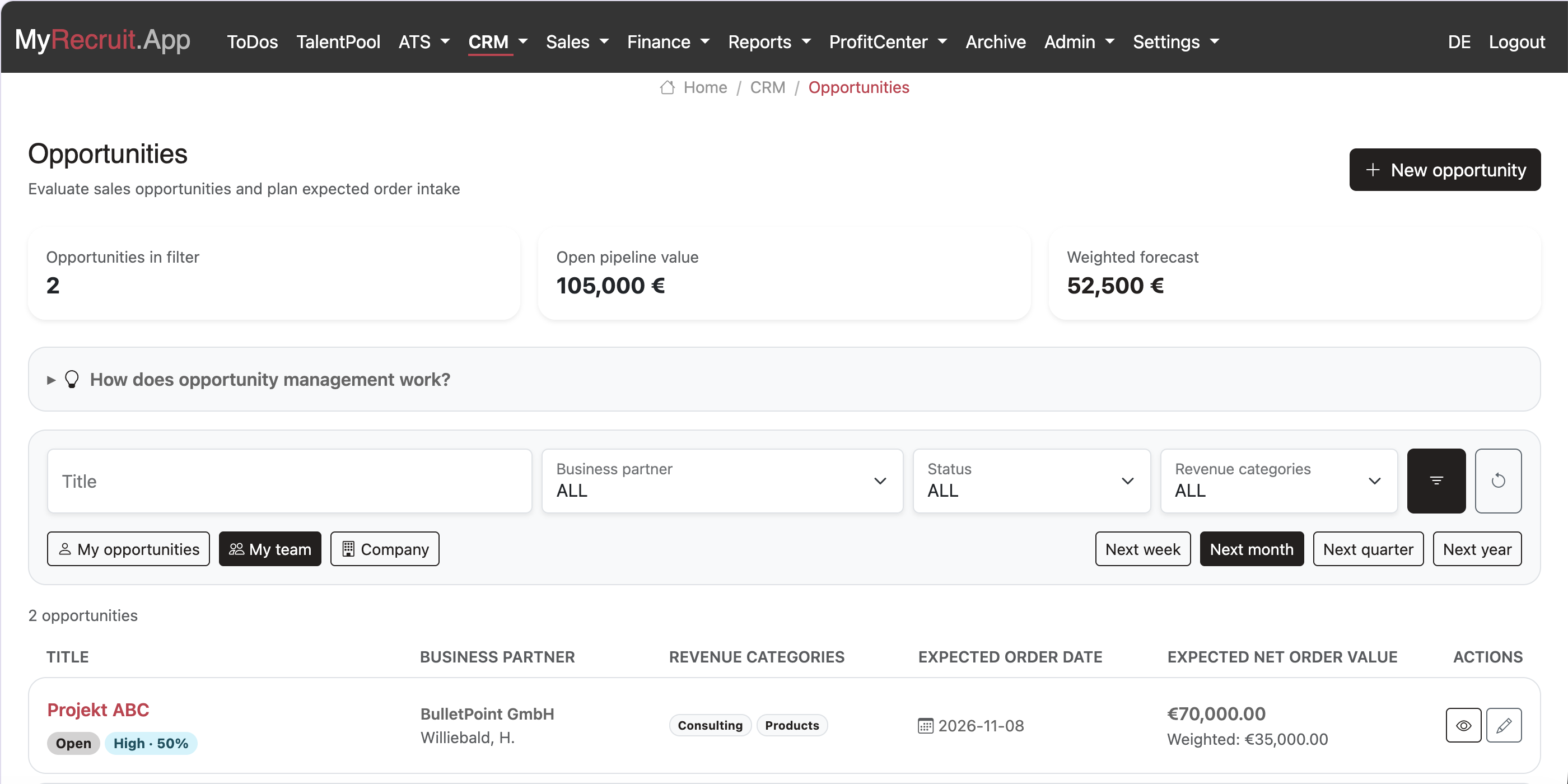
State what you want to achieve with the opportunity and which strategy should improve the probability of closing it.
Describe the purpose, content, location and date of each action. Include your own team, customer contacts and freely entered external participants.
Allocate products, fees and services across several revenue categories. The total expected net order value is calculated automatically.
Compare pipeline and weighted forecast for yourself, your team or the company by week, month, quarter or year.
Customers, contacts and addresses are available to recruiting, sales, business management and document archiving from one consistent source.
Customer, authority, supplier, and contact data are needed everywhere – in the recruiting functions as well as in the ERP and document archiving functions. Using separate tools for all of these functions and maintaining data across several disconnected tools is the most common efficiency drag in day-to-day business.
The same contact data is entered multiple times into different tools.
An address change is recorded in one system while it's long outdated in the others.
Interfaces between isolated tools are costly to build and maintain.
During an audit, different systems show different states of the same partner.
MyRecruit.App solves the problems you face as a recruiter, but also the problems you face as a business owner. To do this, MyRecruit.App relies on a single, verified, and always up-to-date data basis. The xRM/CRM is the heart of your entire process chain and ensures that every subsequent step – every function – builds on the same, reliable information. Maintain it once, use it everywhere.

The Direct Benefits of Centralized Data Management
1. Guaranteed Data Quality and Compliance
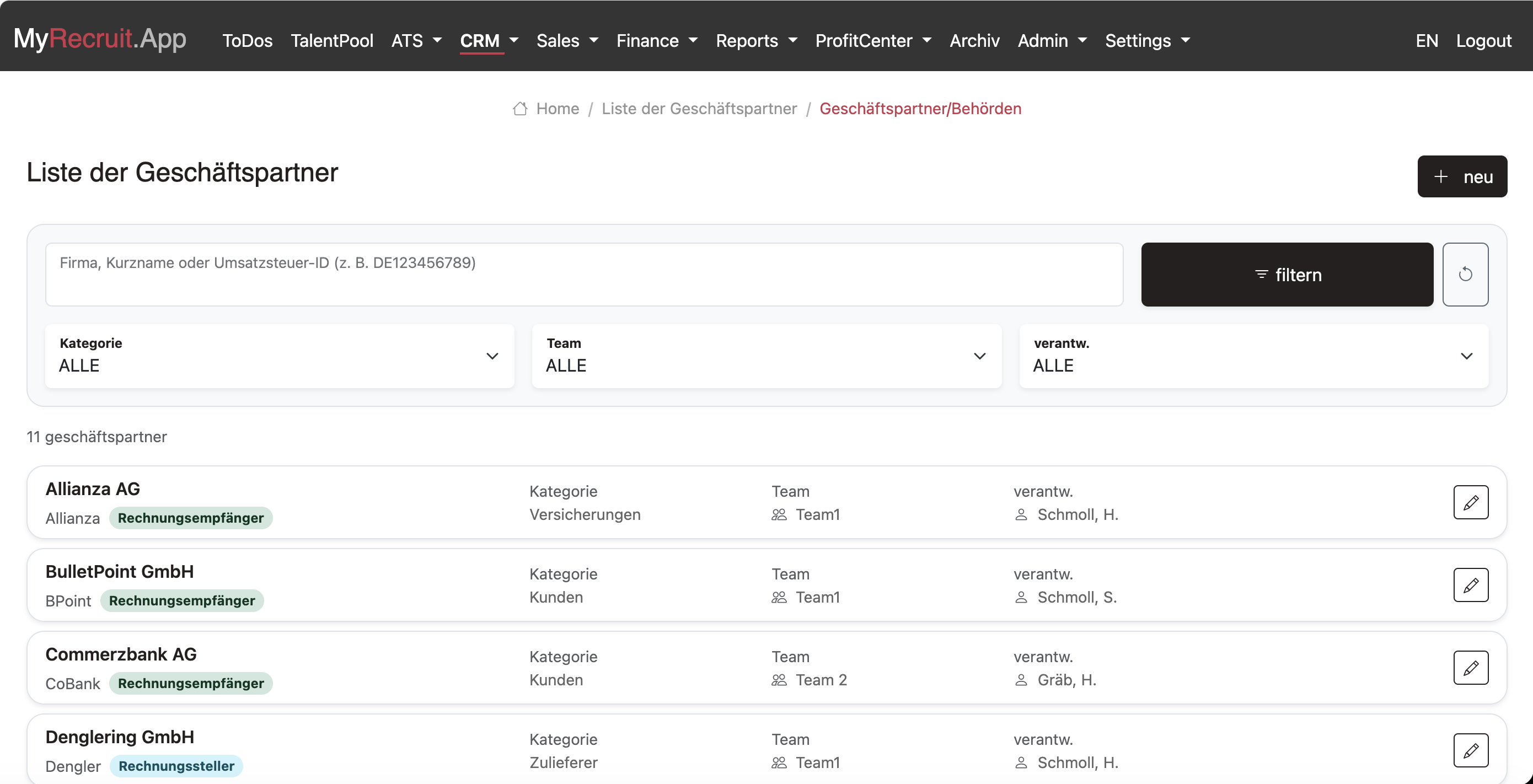
The xRM/CRM block bundles all relevant master data (addresses, contact persons, tax numbers, VAT ID numbers) and eliminates redundant records. If, for example, a customer's address changes, it is corrected once and immediately available for every function. This is the foundation for smooth communication and protects you from compliance risks caused by outdated or incorrect partner data.
2. Seamless Synergy with Your Business Processes
The true strength of the SSOT unfolds through integration with your other functional blocks:
Managing revenue, costs, invoice corrections (credit notes), and hospitality receipts draws directly on the verified data in the xRM/CRM. Correct addresses and tax codes are instantly at hand, making error-free invoicing easier.
By linking business partner and business transaction data (from the xRM/CRM) with document management, you get a business transaction file exactly where you'd expect it – in business transaction management.
In the first step, the business partner's data is recorded and assigned to a category such as customer, supplier, or authority. This categorization keeps the selection clear in later steps – for example, when recording revenue, only customers are offered for selection. To avoid redundancy, subsidiaries are not set up as independent business partners but are instead maintained as additional addresses of the respective business partner.
To avoid redundancy and duplicate entry, addresses are not maintained under contacts but as their own information category. If a business partner or department moves, you only need to change the address in one place. All contacts affected by that move then immediately have the new address.
When recording a contact, you first select one of the previously recorded addresses. Then you enter the name and contact details and assign a category, which is used to build homogeneous contact groups for targeted marketing mailings.
Create business plans for free and start permanently with included free allowances.
Register for freeWith MyRecruit.App, you can create your business plan free of charge. You can also use recruiting and business management within clear free limits and without an expiring trial period.
Capture your business concept, founder information, scenarios and financial planning, then export the complete plan as a PDF for banks or public authorities.
Manage up to 100 candidates. Positions and applications are not limited separately. Business management includes five new orders per calendar year.
Store documents, including their versions, up to a total of 1 GB. Mandatory records generated automatically for an existing transaction continue to be archived.
Only when your needs exceed these free limits do you decide whether to enter into a SaaS Agreement. No fees arise without your express agreement.
No credit card required. The free account has no fixed expiry date.